A LITTLE LOVE. RIGHT THERE.
Their screen.
Your love.
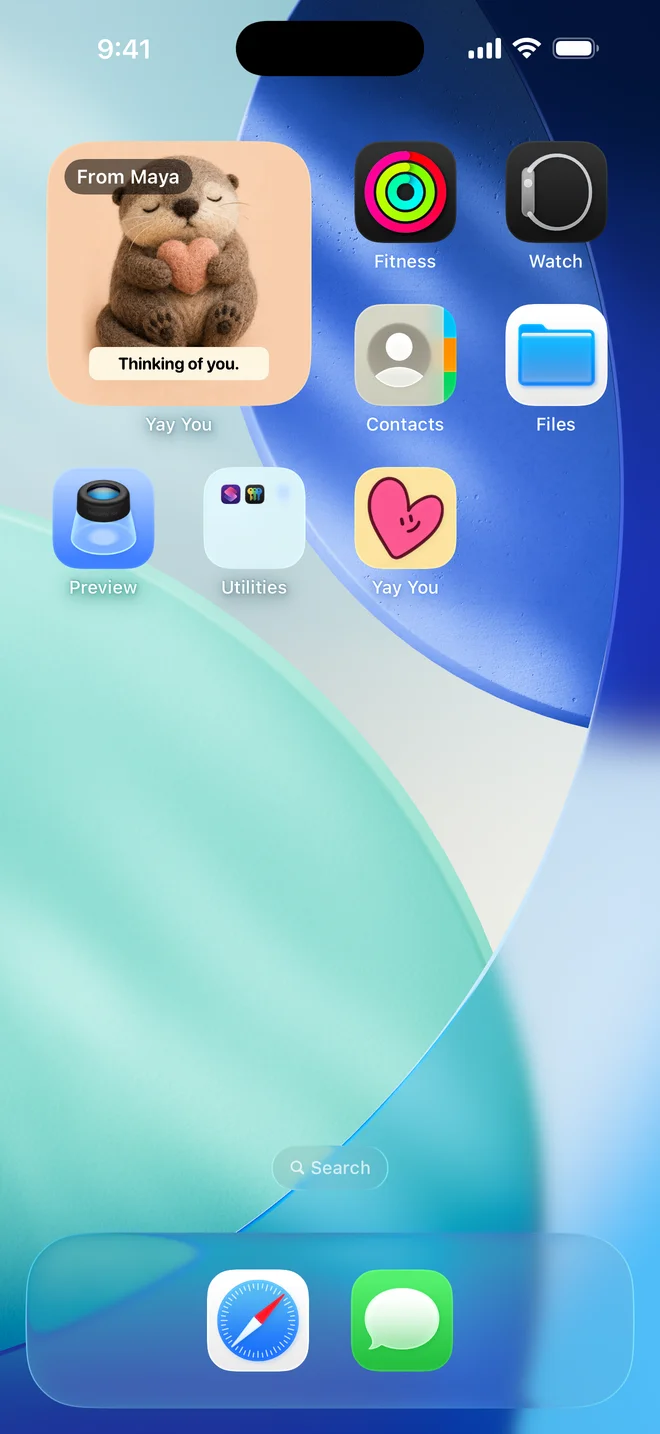
Turn “thinking of you” into a card, a photo, or a little hello on their Home Screen.
Get Yay YouFree to start · Made for iPhone & iPad


a tiny reason to smile ↗
SMALL GESTURE. BIG FEELING.
Less overthinking.
More “this is so you.”
- 01
Find their kind of cute.
A pick-me-up, a tiny celebration, or just because. There’s a little character for it.
- 02
Put it in your words.
Make the message yours. Play with the lettering, colours, and where it goes.
- 03
Make their screen sweeter.
Send to your private circle. With a widget added, the latest hello stays close.
LITTLE CHARACTERS. LOTS OF PERSONALITY.
Find your love language.
Soft. Silly. A little strange.
Just like your favourite people.
 You're my comfort person.
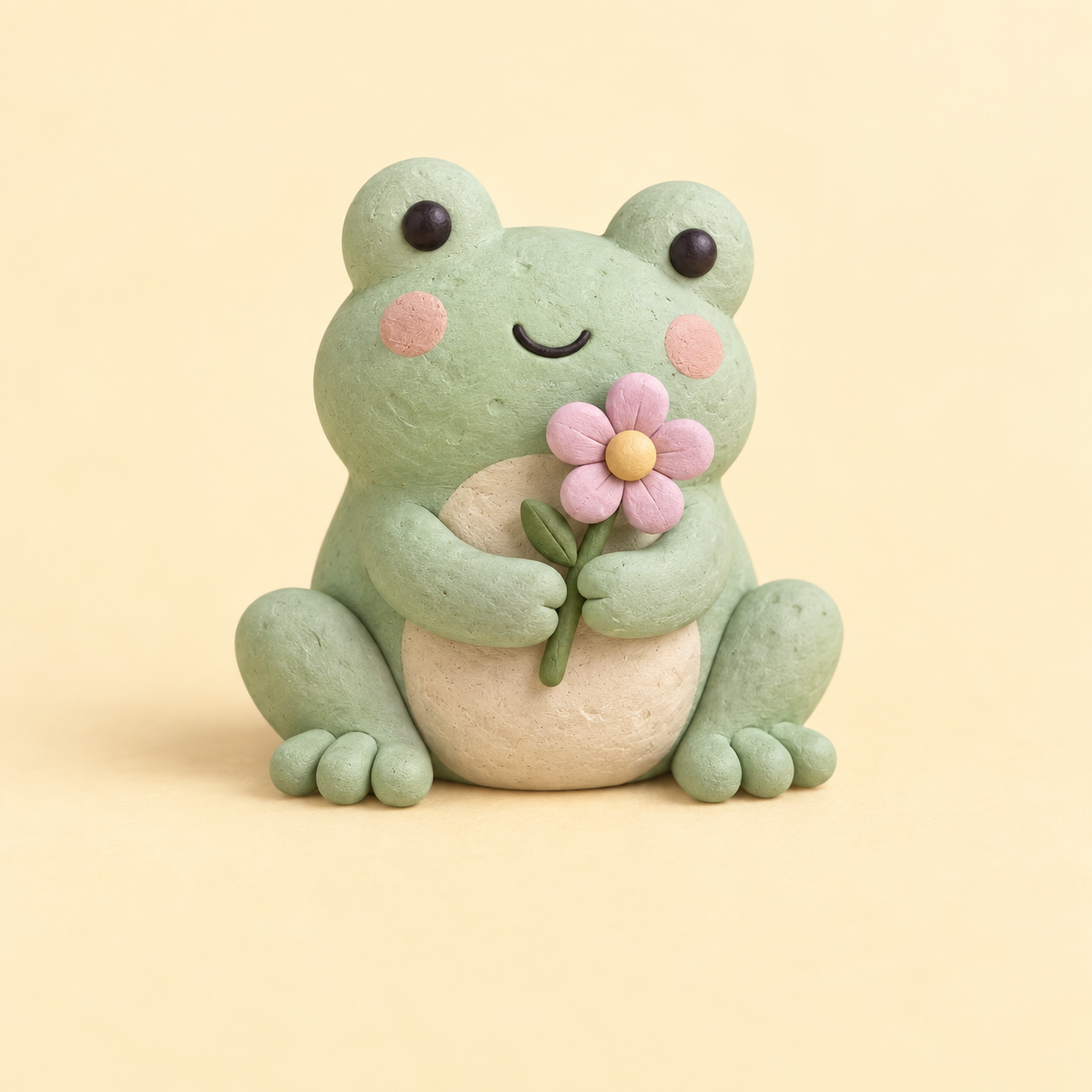 A little joy, just for you.
 Over the moon for you.
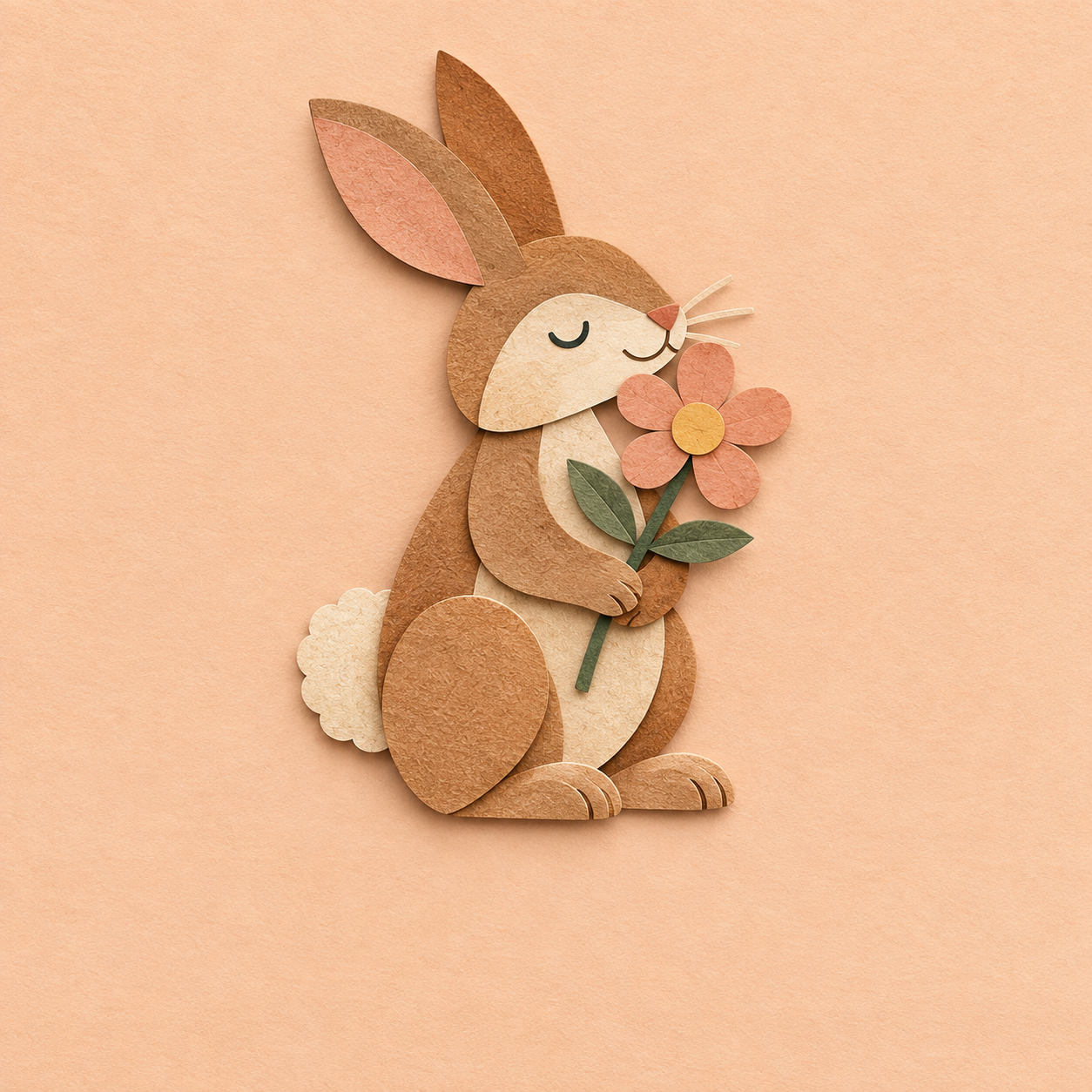 You're somebunny special.
 Better together.
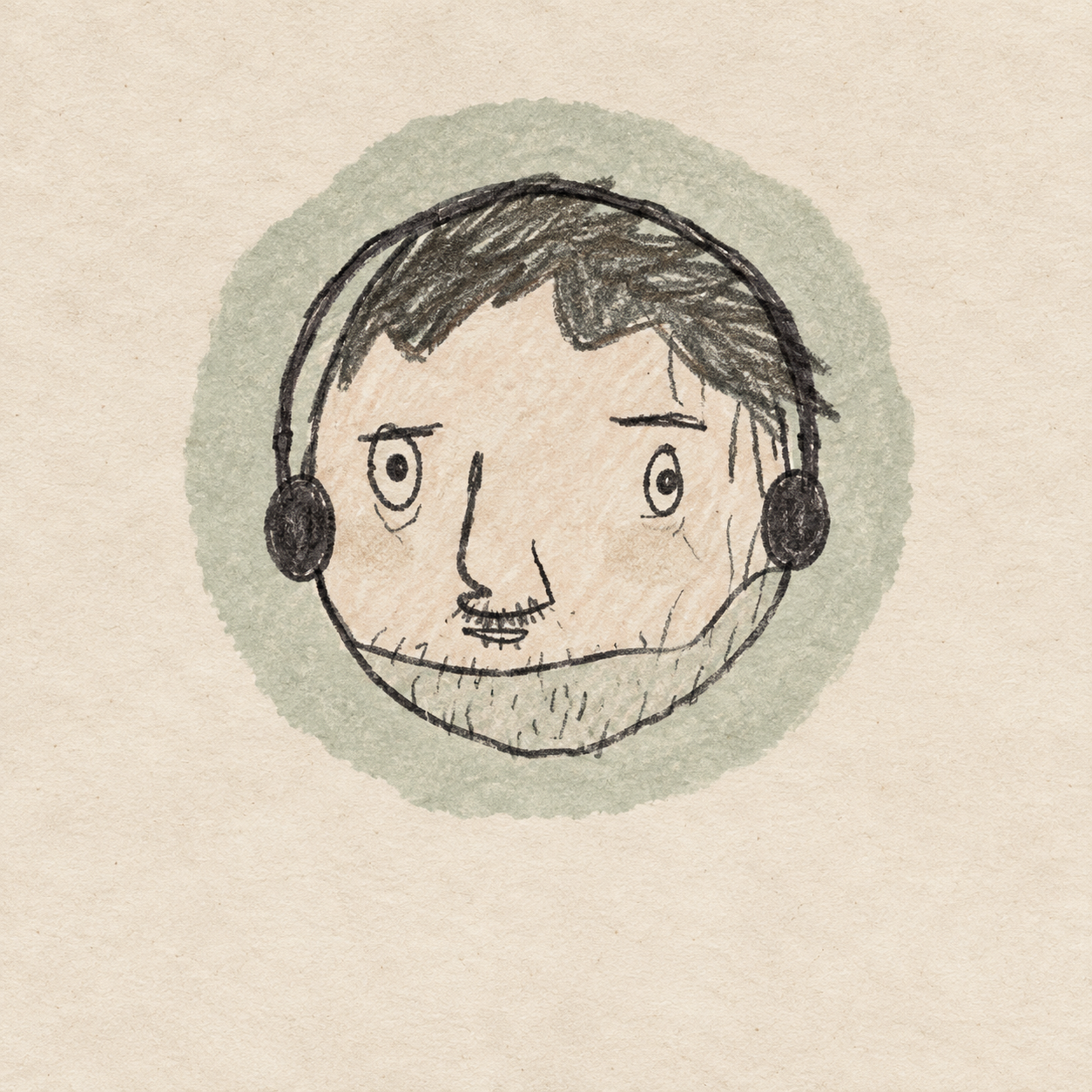 My favourite kind of weird.
13 packs. 10 cards each. Cheer Crew is free; the full collection comes with Plus or Studio.
 just us ♡
YOUR PEOPLE. NOT AN AUDIENCE.
A quieter kind
of connection.
No public feed. Just private circles for your partner, friends, and family.
Not in a card mood? Send your face, a meme, or a few words that mean everything.
Start your circleMEET YAY YOU STUDIO
For the ideas
only you could have.
A space cat cheering on their first day? Describe the moment and choose an art style. AI makes the illustration; you make it personal.
Optional subscription · 3 AI creations a day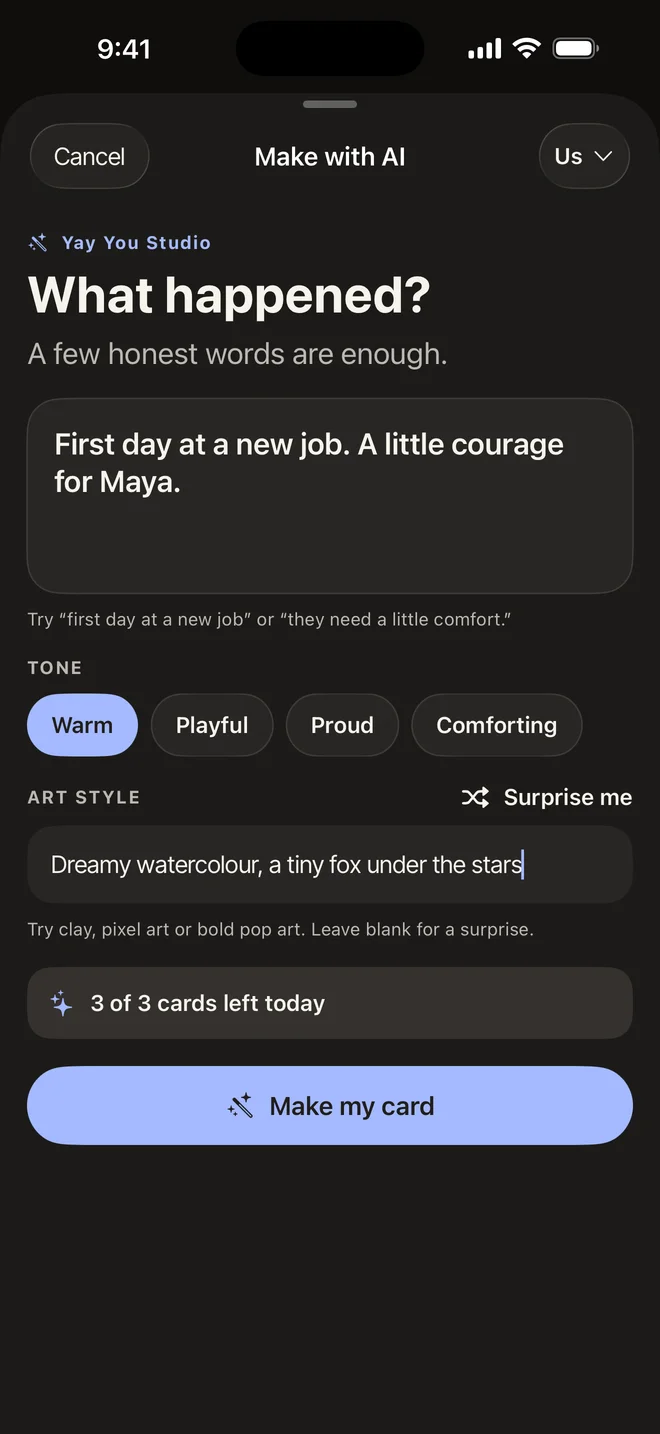
A few little details.
Can I use Yay You for free?
Yes. Send one photo or card a day with the free Cheer Crew pack. Notes, reactions, and receiving are free too. Plus adds all packs, unlimited photo and card sends, more circles, and extra personalisation. Studio includes Plus and three AI creations a day.
How does the widget work?
Add the Yay You widget to your Home Screen to see the latest message from your people. New messages replace the previous one in the widget; earlier messages stay in the app. iOS controls widget refresh timing.
Who can see what I send?
The people in the private circle you send it to. Invite your people into a circle and choose that circle when you send. There’s no public feed.
What devices can I use?
Yay You is available for iPhone and iPad. Everyone in your circle needs the app to send and receive. Need a hand? Get in touch.
You know who came to mind.